
WebP vs AVIF: Which Image Format Should You Use in 2026?
A comprehensive comparison of WebP and AVIF image formats covering compression, quality, browser support, and use cases for web developers.
A comprehensive comparison of WebP and AVIF image formats covering compression, quality, browser support, and use cases for web developers.
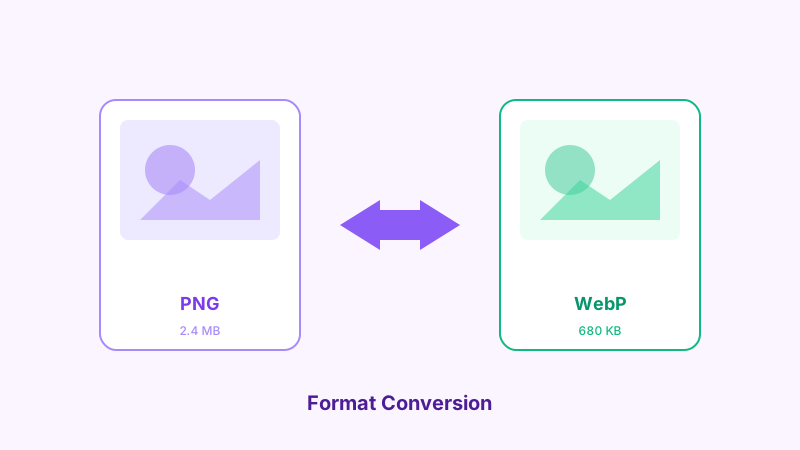
A comprehensive comparison of WebP and AVIF to help you choose the right format for your projects in 2026.
The Evolution of Web Image Formats
The web has moved far beyond JPEG and PNG. Modern formats like WebP and AVIF offer dramatically better compression while maintaining visual quality. But which one should you choose?
WebP: The Established Standard
WebP was developed by Google and released in 2010. It has matured into a reliable, widely-supported format.
WebP Strengths
- Universal browser support (98%+ global coverage)
- Fast encoding and decoding speeds
- Supports both lossy and lossless compression
- Supports animation (replacing GIF)
- Supports transparency (alpha channel)
- 25-35% smaller than equivalent JPEG
WebP Limitations
- Not as efficient as AVIF for very high compression
- Maximum dimension of 16383 x 16383 pixels
- Lossy compression can show artifacts at very low quality settings
AVIF: The Next Generation
AVIF is based on the AV1 video codec and offers superior compression ratios.
AVIF Strengths
- 50% smaller than JPEG at equivalent quality
- 20% smaller than WebP at equivalent quality
- Excellent color depth (10-bit and 12-bit HDR support)
- Wide color gamut support
- Better handling of gradients and smooth areas
- Supports transparency and animation
AVIF Limitations
- Slower encoding times (3-10x slower than WebP)
- Browser support at approximately 92% (growing)
- Maximum image dimensions vary by implementation
- Progressive decoding not widely supported yet
Head-to-Head Comparison
| Feature | WebP | AVIF |
|---|---|---|
| File size (vs JPEG) | 25-35% smaller | 40-50% smaller |
| Encoding speed | Fast | Slow |
| Decoding speed | Fast | Moderate |
| Browser support | 98%+ | ~92% |
| HDR support | No | Yes |
| Max quality | Very good | Excellent |
| Animation | Yes | Yes |
| Transparency | Yes | Yes |
When to Use WebP
Choose WebP when:
- You need maximum browser compatibility
- Fast encoding is important (dynamic image generation)
- You're serving images to older devices
- File size reduction of 25-35% over JPEG is sufficient
- You need animated images (replacing GIF)
When to Use AVIF
Choose AVIF when:
- Maximum compression is the priority
- You're targeting modern browsers
- Image quality at low file sizes is critical
- You need HDR or wide color gamut support
- You can afford slower encoding times (static assets)
The Best Strategy: Use Both
The optimal approach for most websites is to serve both formats using the HTML picture element:
<picture>
  <source srcset="image.avif" type="image/avif">
  <source srcset="image.webp" type="image/webp">
  <img src="image.jpg" alt="Description">
</picture>
This gives you the best compression for browsers that support AVIF, with WebP as a fallback, and JPEG for the remaining edge cases.
Converting Your Images
Use Browser Image Converter to convert images to both WebP and AVIF formats instantly in your browser. No upload required, completely free, and your images stay private.
Conclusion
In 2026, WebP remains the safe default choice for web images due to its universal support and fast processing. AVIF is the better choice when you need maximum compression and can handle the encoding overhead. For the best results, serve both formats with proper fallbacks.
Related Articles
Try the Tool
Need this workflow right now? Open our free in-browser image tools and process files locally.
Open BrowserIMG Tools