
Hinge Photo Dimensions and Prompt Card Sizes (2026)
Everything you need to know about Hinge profile picture dimensions (1080x1350), prompt card sizing, avoiding photo blur, and natural lifestyle photo tips.
Hinge Photo Dimensions and Prompt Card Sizes (2026)
Direct Answer: Hinge renders profile photos in generous vertical cards formatted at 1080 × 1350 pixels (4:5 portrait) and prompt card image slots at 1080 × 1080 pixels (1:1 square). Maximum supported file size is 10 MB in JPG or PNG format.
Hinge's Design Philosophy: Authenticity Over Heavily Edited Shots
Hinge's user base actively favors authentic, candid moments over studio glamour or heavily retouched selfies. Key photo guidelines:
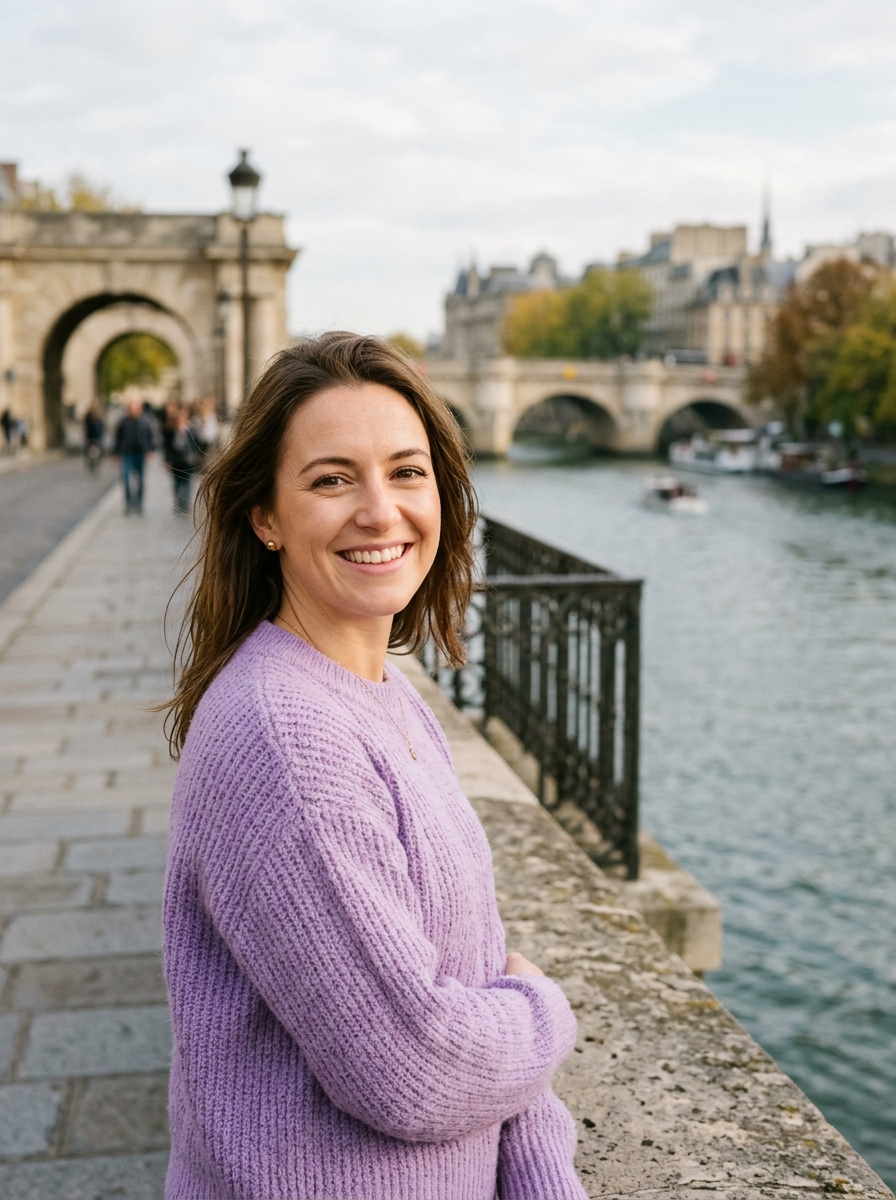
- Clear First Photo: A smiling, solo headshot looking toward the camera in natural daylight.
- Context and Hobbies: 2–3 photos demonstrating your active interests (travel, cooking, outdoor hikes, music).
- Prompt Integration: Pair high-resolution square photos with Hinge conversation prompts like "A life goal of mine" or "Typical Sunday".
Preparing Photos for Hinge
- Go to Hinge Photo Resizer.
- Select your photo.
- Switch between 4:5 Portrait Card or 1:1 Square Prompt Card.
- Use our natural Warmth (+5) and Contrast (+6) adjustments for flattering, sunlight-kissed skin without distortion.
- Export your optimized photo directly to your phone.
About the Author
Abhay Tabbay is a web developer and image optimization specialist focused on privacy-first browser tools that help people convert, resize, and optimize images without uploading files to the cloud.
Related Articles
Try the Tool
Need this workflow right now? Open our free in-browser image tools and process files locally.
Open Browser Image Converter Tools