
Small edits.
Big possibilities.
Convert, resize, edit, and compress images directly in your browser. No server uploads, no waiting, and entirely free.
Files stay on your device.

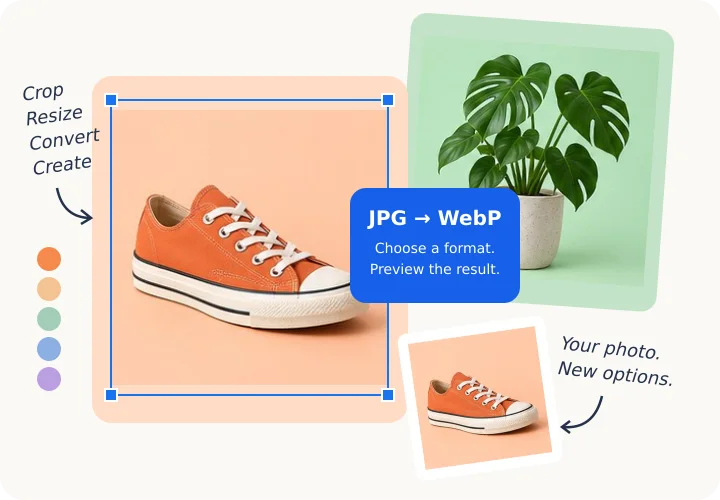
Complete Tool Directory
Browse all 45+ browser-based conversion, optimization, and editing tools.
Compress Image
Compress JPG, PNG & WebP while saving quality
Resize Image
Resize by pixel or percent for any dimension
Universal Image Converter
Convert between JPG, PNG, WebP, AVIF, HEIC, GIF & SVG
Remove Background
Remove image background - get transparent PNG
Photo Editor
Adjust brightness, contrast, saturation & more
Image to PDF
Convert multiple images into a single professional PDF document
Crop Image
Crop JPG, PNG or GIF with custom aspect ratios
Upscale Image
Enlarge images 2x, 4x or 8x with high quality
Smart Optimizer
AI-style 1-click optimization of format and quality
Bulk Processor
Batch process up to 50 images instantly in ZIP
PNG to JPG
Convert PNG to JPG online free instantly.
JPG to PNG
Convert JPG to PNG online free instantly.
WEBP to JPG
Convert WEBP to JPG online free instantly.
WEBP to PNG
Convert WEBP to PNG online free instantly.
HEIC to JPG
Convert HEIC to JPG online free instantly.
HEIC to PNG
Convert HEIC to PNG online free instantly.
AVIF to JPG
Convert AVIF to JPG online free instantly.
AVIF to PNG
Convert AVIF to PNG online free instantly.
JPG to WEBP
Convert JPG to WEBP online free instantly.
PNG to WEBP
Convert PNG to WEBP online free instantly.
GIF to JPG
Convert GIF to JPG online free instantly.
GIF to PNG
Convert GIF to PNG online free instantly.
BMP to JPG
Convert BMP to JPG online free instantly.
Photo Filters
Apply 20+ top-notch filters and cinematic presets
Blur Image
Blur entire image or specific regions / faces
Watermark Image
Stamp text or image watermarks with transparency
Rotate Image
Rotate or flip images at any angle
Beautify Screenshot
Add Mac frames, shadows and gradients to screenshots
Meme Generator
Add custom text layers to create memes instantly
Photo Games Arcade
Play 10 interactive image puzzles and arcade games with your photos or cartoons
GIF Maker
Create animated GIFs from multiple photos with speed control and frame preview
Lego Pixel Art
Transform any image into authentic 3D Lego plastic brick mosaics
Warhol Pop Art
Generate Andy Warhol style 4-quadrant silkscreen pop-art posters
Emoji Mosaic
Replace image pixels with matching color emoji characters in high-res
Jigsaw Puzzle Maker
Slice any image into printable interlocking jigsaw pieces and ZIP download
Face Morph and Blend
Blend and morph two faces or photos with interactive slider and loop GIF
Virtual Sticker Studio
Add fun stickers, hats, glasses, mustaches and speech bubbles to photos
Collage Maker
Combine photos into grids with social media presets
Color Palette
Extract colors and CSS gradients from your images
Color Picker
Identify exact HEX and RGB codes from any pixel
Passport Photo Maker
Create official passport photos with face detection & auto-crop
Sarkari Photo Resizer
Resize and compress for Indian exam and government forms
OCR Image To Text
Extract editable text from images instantly using OCR
Signature Maker
Create and download your digital signature on a transparent background
Image Annotator
Add arrows, text, and shapes to your images for better clarity
Remove EXIF
Strip GPS and metadata for complete privacy
Workflow Builder
Automate and chain multi-step image batch workflows
Social Profile Studio
Crop, resize & format profile avatars and banners for all platforms
Combine Side by Side
Stitch multiple images horizontally with customizable borders and spacing
Blend Two Photos
Create double-exposure artistic effects with screen, overlay & multiply blend modes
Polaroid Photo Effect
Transform digital photos into vintage instant Polaroid prints with captions
Flip Image Mirror
Mirror images horizontally or invert vertically with 1-click rotation
Add Drop Shadow
Add realistic canvas drop shadows and soft blurs to photos and cutout PNGs
QR Code Generator
Generate high-resolution custom QR codes with center logo, colors and styling
Favicon Generator
Generate 16x16, 32x32, 180x180 Apple touch icons and ZIP package with HTML code
Seller Photo Kit
Optimize product photos for Amazon, Shopify, Etsy & eBay listings
Your shortcuts
Saved on this device.
Popular tools
View all toolsCompress Image
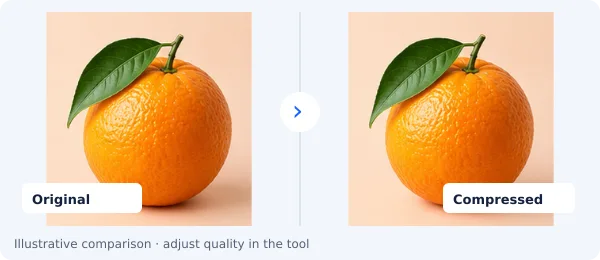
Compress JPG, PNG & WebP while saving quality
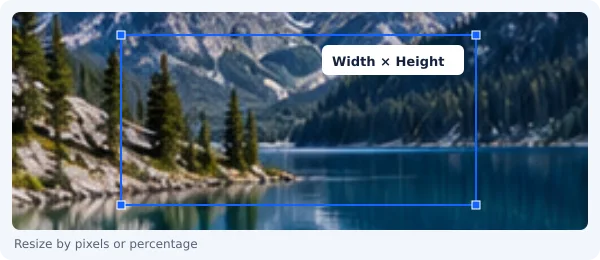
Resize Image
Resize by pixel or percent for any dimension
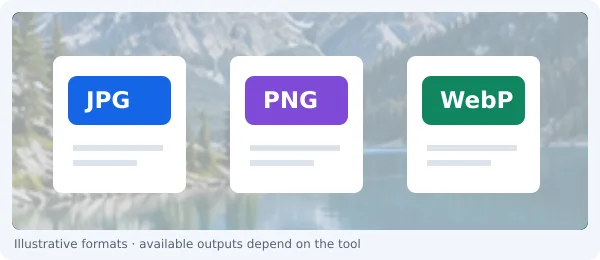
Universal Image Converter
Convert between JPG, PNG, WebP, AVIF, HEIC, GIF & SVG
Remove Background
Remove image background - get transparent PNG
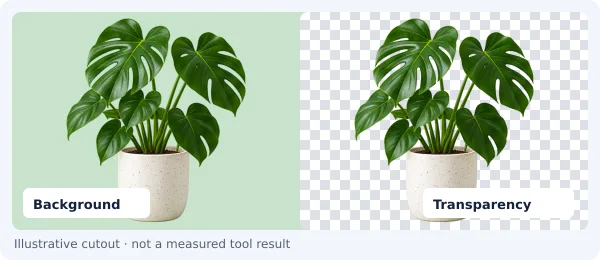
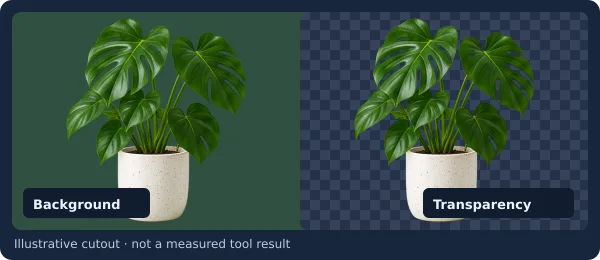
Photo Editor
Adjust brightness, contrast, saturation & more
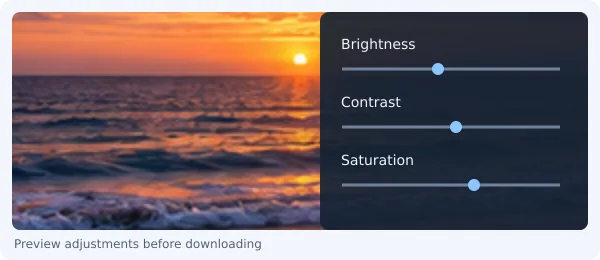
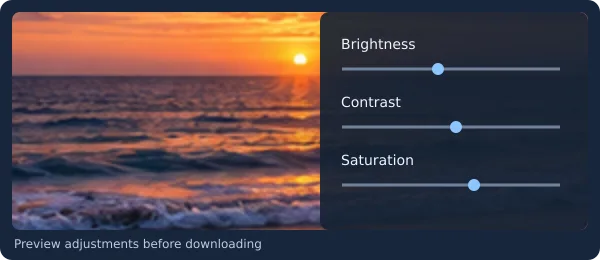
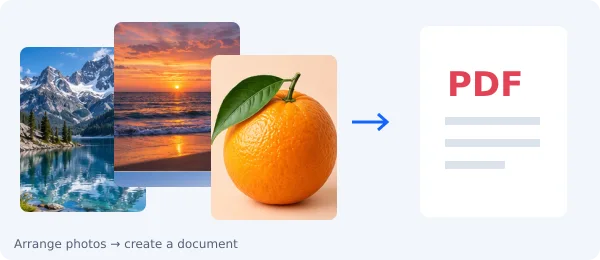
Image to PDF
Convert multiple images into a single professional PDF document
One Photo. Every Social Size Instantly.
Auto-crop, smart-pad, and frame photos for Instagram, TikTok, YouTube, LinkedIn, and Twitter/X.
Batch Product Photos for Marketplaces.
Standardize your catalog for Shopify, Amazon, Etsy, and eBay. Auto-pad with pure white canvas and export ZIP.
Repeat a task? Save the steps.
Create multi-step image sequences entirely in your browser. Chain operations like Resize, Convert, and Compress into custom reusable recipes.
Start with a task
Pick a goal and jump straight into the workflow
Social photos
CreatorsCrop and resize for Instagram, TikTok, YouTube & social media.


Portraits & ID
FramingFrame and resize portraits with exact dimensions and aspect ratios.
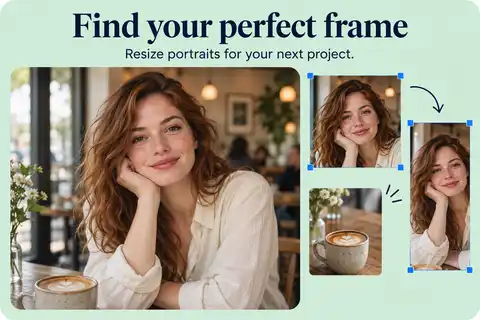
Photo collages
CollageCombine multiple photos into creative grid layouts and stories.
Website assets
OptimizeCompress and optimize images for faster loading and web performance.
Private Local Processing Engine & Queue
Process heavy photos up to 200MB+ seamlessly without freezing your browser tab. All tasks run privately in your browser with hardware acceleration, live progress stages, and instant cancellation.
Trusted In-Browser Image Processing
Private, high-performance conversion and editing right on your device with no cloud uploads, no queues, and zero data stored.
Used & Recommended By
Why Choose Browser Image Converter?
Unlike iLoveIMG, TinyPNG, or Adobe Express, all processing happens locally so your images never leave your device.
100% Private & Secure
All processing happens in your browser. Your images never leave your device, unlike converters that upload to remote servers.
Lightning Fast
Instant results with no upload delays. Process images in seconds with no waiting queues.
Truly Free with No Limits
No subscriptions, no hidden fees, no watermarks, no daily limits. Convert unlimited images forever.
Works Offline
Once loaded, works without internet. Perfect for privacy-conscious users and low-connectivity areas.
Browser Image Converter vs Other Tools
See how we stack up against other popular image tools.
| Feature | Browser Image Converter | iLoveIMG / Others |
|---|---|---|
| Price | Free forever | Free with limits, paid plans |
| Daily limit | Unlimited | 15–25 per day |
| File upload to server | Never, everything stays 100% local | Yes, uploaded to their servers |
| Account required | No | Required for some features |
| Watermarks | Never | On free tier for some tools |
| Works offline | Yes | No |
| File size limit | No limit | 5–25 MB on free tier |
| Processing speed | Instant (local) | Depends on upload speed |
Convert Images in 3 Easy Steps
No software download or account required, just instant results.
Select Your Image
Drag & drop or click to upload. Supports JPG, PNG, WebP, HEIC, AVIF, GIF, BMP and more.
Choose a Tool
Pick the output format or editing tool, then adjust any settings for the perfect result.
Download Instantly
Done in seconds with direct download. No email needed, no waiting, and no sign-up required.
Who Uses Browser Image Converter?
Trusted by professionals and everyday users who value speed and privacy.
💻
Web Developers & Designers
Convert to WebP for faster loads. Resize and compress for responsive sites. Optimize images for Core Web Vitals.
📱
Social Media Managers
Resize for Instagram, Facebook, Twitter, LinkedIn. Convert formats for platform compatibility.
📷
Photographers
Convert HEIC/RAW photos to JPG for sharing. Batch convert iPhone photos for clients.
✍️
Bloggers & Content Creators
Optimize images for SEO. Convert to WebP for faster pages. Watermark original content. Create memes.
🎓
Students & Professionals
Convert for presentations and documents. Resize profile photos. Compress for email.
🔒
Privacy-Conscious Users
Convert without uploading to third-party servers. Process sensitive images locally.
Frequently Asked Questions
Everything you need to know about converting and editing images online.
How do I convert an image to JPG, PNG, or WebP online for free?
Is Browser Image Converter really free? Are there hidden limits?
Is it safe to convert images online? Will my photos be uploaded?
What image formats does Browser Image Converter support?
How do I convert HEIC photos from iPhone to JPG?
Can I convert multiple images at once?
What is the best free alternative to iLoveIMG and Adobe Express?
Does Browser Image Converter work offline?
How do I reduce image file size without losing quality?
Can I resize images for social media?
Free Online Image Tools Suite
Browser Image Converter offers a complete suite of free online image tools including format conversion (JPG, PNG, WebP, HEIC, AVIF, GIF, BMP), image resizing, compression, cropping, rotation, watermarking, photo editing, image upscaling, background removal, blur tools, and a meme generator. All tools run entirely in your browser with no uploads, no servers, and 100% privacy.
Popular Image Conversions
Photo Format Conversions
- PNG to JPG - Convert PNG to JPG online free instantly.
- JPG to PNG - Convert JPG to PNG online free instantly.
- HEIC to JPG - Convert HEIC to JPG online free instantly.
- AVIF to JPG - Convert AVIF to JPG online free instantly.
- WEBP to JPG - Convert WEBP to JPG online free instantly.
Editing & Optimization Tools
- Resize Image - Resize by pixel or percent for any dimension
- Compress Image - Compress JPG, PNG & WebP while saving quality
- Upscale Image - Enlarge images 2x, 4x or 8x with high quality
- Photo Editor - Adjust brightness, contrast, saturation & more
- Remove Background - Remove image background - get transparent PNG