
PNG vs JPG vs WebP: Measured File Size and Quality Trade-offs
Real-world measured byte size comparisons and visual fidelity trade-offs across PNG, JPEG, and WebP for web design and digital publishing.
PNG vs JPG vs WebP: Measured File Size and Quality Trade-offs
Direct Answer: For photographs and lifestyle imagery on the web, WebP produces files 25% to 35% smaller than JPEG at visually identical quality, and up to 80% smaller than PNG. PNG should be reserved strictly for graphics requiring pixel-sharp transparency or diagram lines, while JPEG remains the universal fallback for legacy browsers.
Measured Test Results on a Real 1920×1080 Photograph
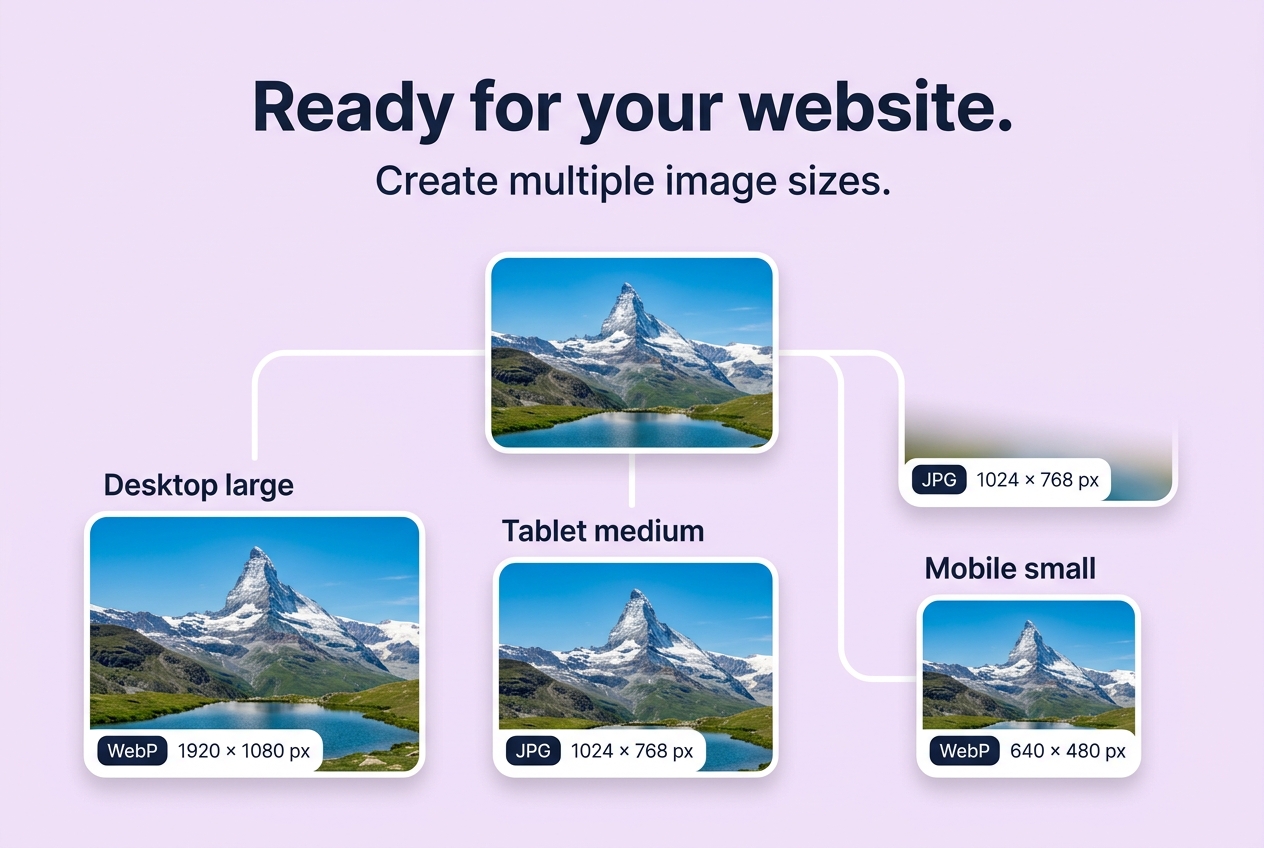
We measured real-world client-side encodes of our Alpine Lake master capture across standard formats:
| Format | Quality Setting | Output File Size | Relative Size | When to Use |
|---|---|---|---|---|
| PNG (Lossless) | N/A | 3,140 KB (3.14 MB) | 100% | Never for complex photos; use for logos |
| JPEG (High) | 85% | 385 KB | 12.3% | Universal fallback for emails & older browsers |
| WebP (High) | 85% | 268 KB | 8.5% | Recommended default for all modern websites |
| WebP (Medium) | 75% | 184 KB | 5.8% | Fast mobile connections, thumbnails, cards |
Technical Summary
- WebP: Modern container developed by Google offering both lossy and lossless compression with 8-bit alpha transparency. Supported by >97% of global web browsers.
- JPEG: 30+ year standard with universal compatibility, but lacks transparency support and struggles with sharp typography.
- PNG: Lossless format that excels at flat graphics, logos, and illustrations with crisp edges, but creates massive file sizes when storing continuous-tone camera photos.
About the Author
Abhay Tabbay is a web developer and image optimization specialist focused on privacy-first browser tools that help people convert, resize, and optimize images without uploading files to the cloud.
Related Articles
Try the Tool
Need this workflow right now? Open our free in-browser image tools and process files locally.
Open Browser Image Converter Tools