Browser Image Converter logo
Browser Image Converter
Social & ProfileSeller kitWorkflowsBetaGuides
☕Support

One photo.
Ready for every profile.

Crop, fit and prepare images in your browser.

lockFiles stay on your device. Independent image tools.

Square ready
Square Ready
Story ready
Story Ready
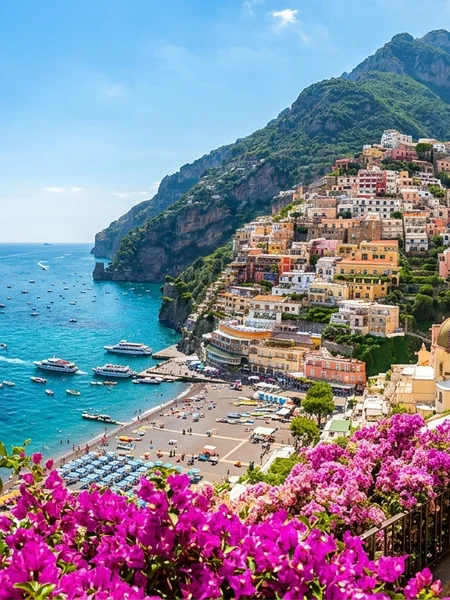
Main sample
Profile avatar
Landscape
Same photo. Different formats.

Choose a platform

search

What would you like to do?

17 presets ready

Fit without cropping

Keep your whole photo with smart padding.

Original
Original
arrow_forward
Fit with padding
Fit with padding

Carousel studio

Turn multiple photos into a cohesive carousel.
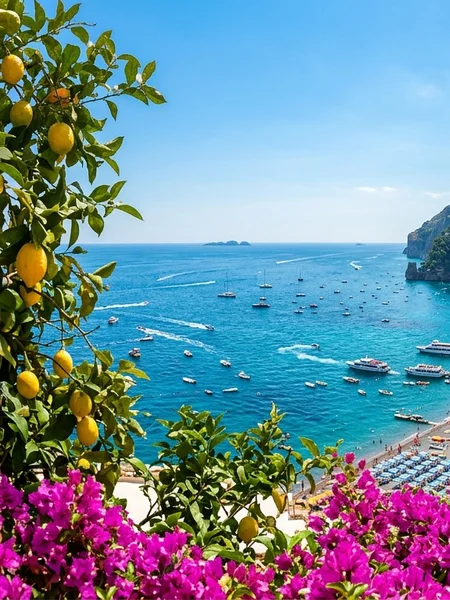
Carousel slide 1
1
Carousel slide 2
2
Carousel slide 3
3

Story canvas

Create on-brand stories with editable text and backgrounds.

Add your text

Story canvas sample
GOODDAYSAHEAD

YouTube banner

Design and preview your channel artwork with safe areas.

Banner preview
Preview
PreviewSafe Area
Preview

Profile photo preview

See how your photo looks in different shapes before download.

Square crop
Circle crop

Thumbnail maker

Create eye-catching thumbnails for your videos.
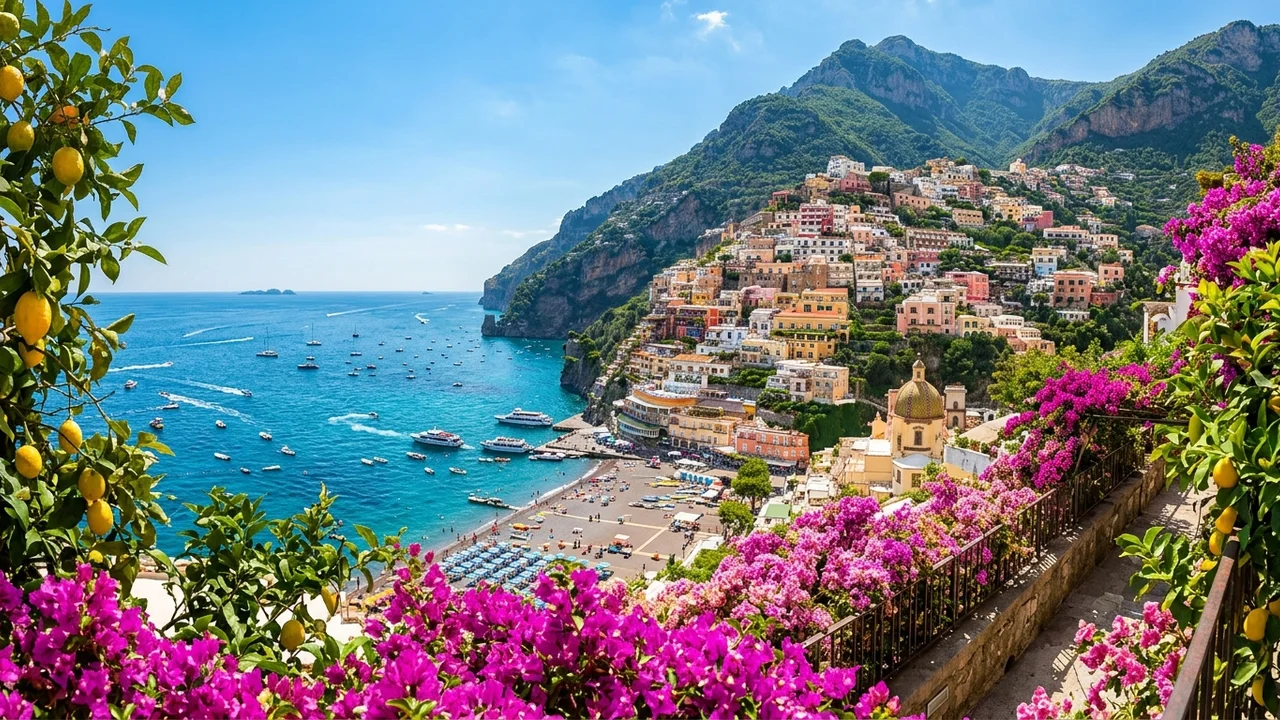
Thumbnail preview
Weekend Escape

Saved steps, faster next time

Beta
Save time with your own repeatable settings.
auto_fix_highCreator export pack

Resize • Pad • Create variants • Export

Use template →
account_circleProfile photo prep

Square • Circle preview • Blur Background

Use template →
tvChannel artwork

Banner • Safe areas • Multiple device crops

Use template →

Helpful guides

View all articles →
Guide 1

Fit a full photo

Keep your image without cropping important parts.

Guide 2

Understand banner cropping

See how different areas are displayed across devices.

Guide 3

Prepare a consistent carousel

Tips for a clean and cohesive set of images.

Browser Image Converter logo
Browser Image Converter

Browser Image Converter is a free online tool for converting, resizing, compressing, cropping, rotating, and watermarking images. Supports common inputs like JPG, PNG, WebP, GIF, BMP, HEIC, HEIF, AVIF, and SVG, with JPG, PNG, and WebP exports. All processing is done in your browser so images are never uploaded to any server.

security100% privateboltInstantlanguageNo upload

Best free alternative to iLoveIMG, TinyPNG & Adobe Express.

☕Buy me a coffee
LinkedInInstagram (Coming soon)

Converters

  • PNG to JPG
  • JPG to PNG
  • WebP to JPG
  • WebP to PNG
  • PNG to WebP
  • JPG to WebP
  • HEIC to JPG
  • HEIC to PNG
  • AVIF to JPG
  • AVIF to PNG
  • GIF to JPG
  • GIF to PNG
  • BMP to JPG
  • BMP to PNG

Tools

  • Image Resizer
  • Image Compressor
  • Image Cropper
  • Rotate Image
  • Add Watermark

Popular Searches

  • Image Compressor
  • JPG to PNG
  • PNG to JPG
  • Image Resizer
  • Remove Background
  • WebP to JPG

Company

  • About Us
  • Privacy Policy
  • Terms of Service
  • Contact
  • Editorial Policy
  • Blog
  • Newsletter

Why Us

  • ✓100% free, no limits
  • ✓No uploads to servers
  • ✓Complete privacy
  • ✓No account required
  • ✓No watermarks
  • ✓Works offline
  • ✓Instant conversion

Browser Image Converter is a free online tool for converting, resizing, compressing, cropping, rotating, and watermarking images. Supports common inputs like JPG, PNG, WebP, GIF, BMP, HEIC, HEIF, AVIF, and SVG, with JPG, PNG, and WebP exports. All processing is done in your browser so images are never uploaded to any server.

© 2026 Browser Image Converter. All rights reserved.