
Consistent Product Photo Framing: How to Create a Cohesive E-Commerce Catalog
How e-commerce sellers standardize catalog images with uniform aspect ratios, consistent padding margins, and clean white backgrounds to increase customer trust.
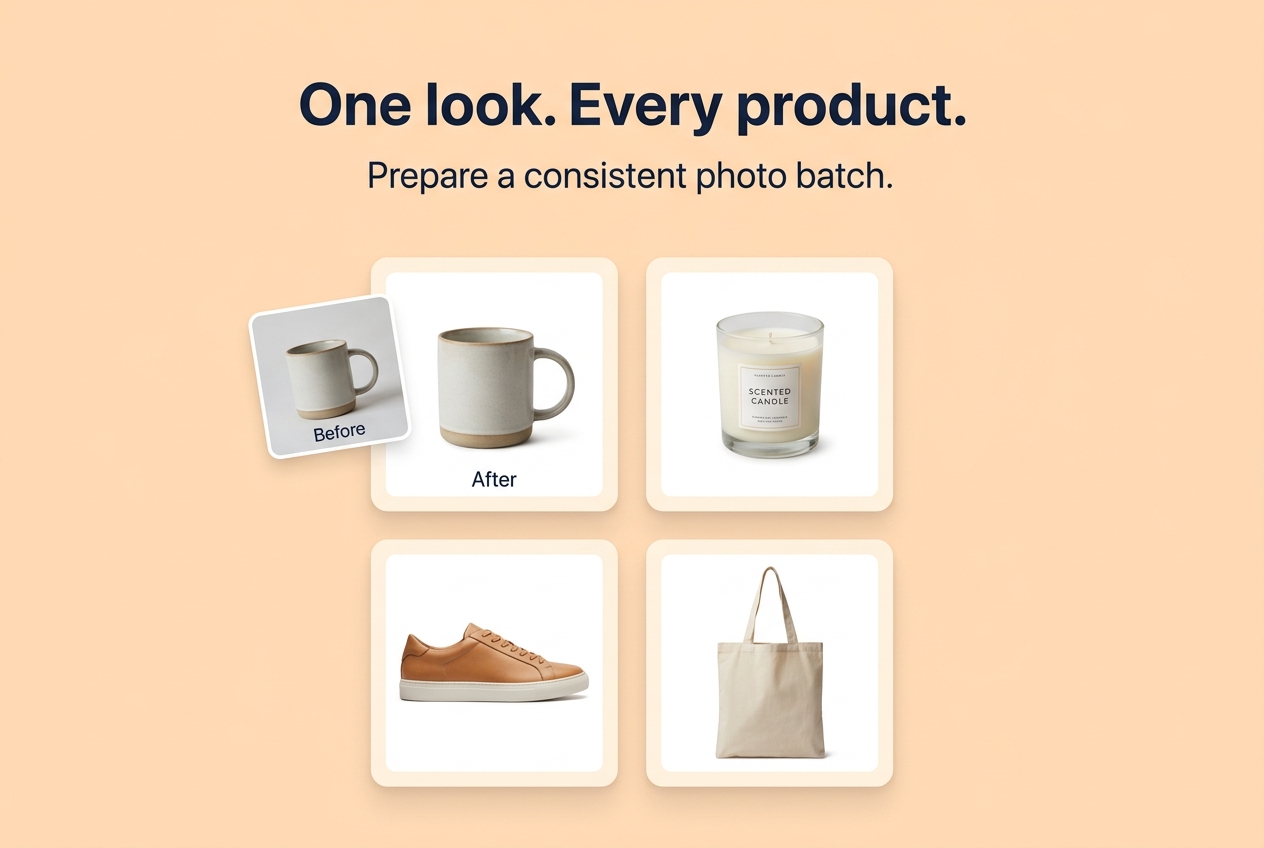
Consistent Product Photo Framing: How to Create a Cohesive E-Commerce Catalog
Direct Answer: To create a clean, trustworthy storefront on Shopify, Etsy, Amazon, or WooCommerce, all product images must share a uniform aspect ratio (1:1 square is the universal standard), consistent subject scaling (roughly 75% to 80% of the canvas), and identical white padding margins (typically 30px to 50px).
Why Inconsistent Product Photos Hurt Store Conversion
When a shopper lands on a collection grid where some photos are wide landscape shots, some are tall portraits, and some are cropped close to the product:
- The catalog grid looks disorganized and amateurish.
- Products appear visually smaller or larger than their actual physical proportions.
- Titles and prices bounce unevenly across the page.
Uniform square product photos ensure that products align perfectly in grid columns and look clean on mobile smartphone screens.
How to Standardize Your Entire Batch in Seconds
Using Seller Photo Kit:
- Select your batch of product photos (or click Try a sample to explore).
- Choose Square (1:1) canvas size.
- Set padding to 40 px with a crisp White (#FFFFFF) background.
- If an individual item needs fine-tuning, click Adjust crop to pan or zoom without affecting the rest of the batch.
- Set your naming pattern (e.g.
item-{number}.jpg).
- Click Prepare batch to download a clean, numbered ZIP ready for bulk store upload.
About the Author
Abhay Tabbay is a web developer and image optimization specialist focused on privacy-first browser tools that help people convert, resize, and optimize images without uploading files to the cloud.
Related Articles
Try the Tool
Need this workflow right now? Open our free in-browser image tools and process files locally.
Open Browser Image Converter Tools