
Padding vs Background Removal: Which is Better for Product Photos?
Compare white canvas padding vs AI background cutout removal for e-commerce listings. Understand lighting, natural shadows, and edge artifacts.
Compare white canvas padding vs AI background cutout removal for e-commerce listings. Understand lighting, natural shadows, and edge artifacts.
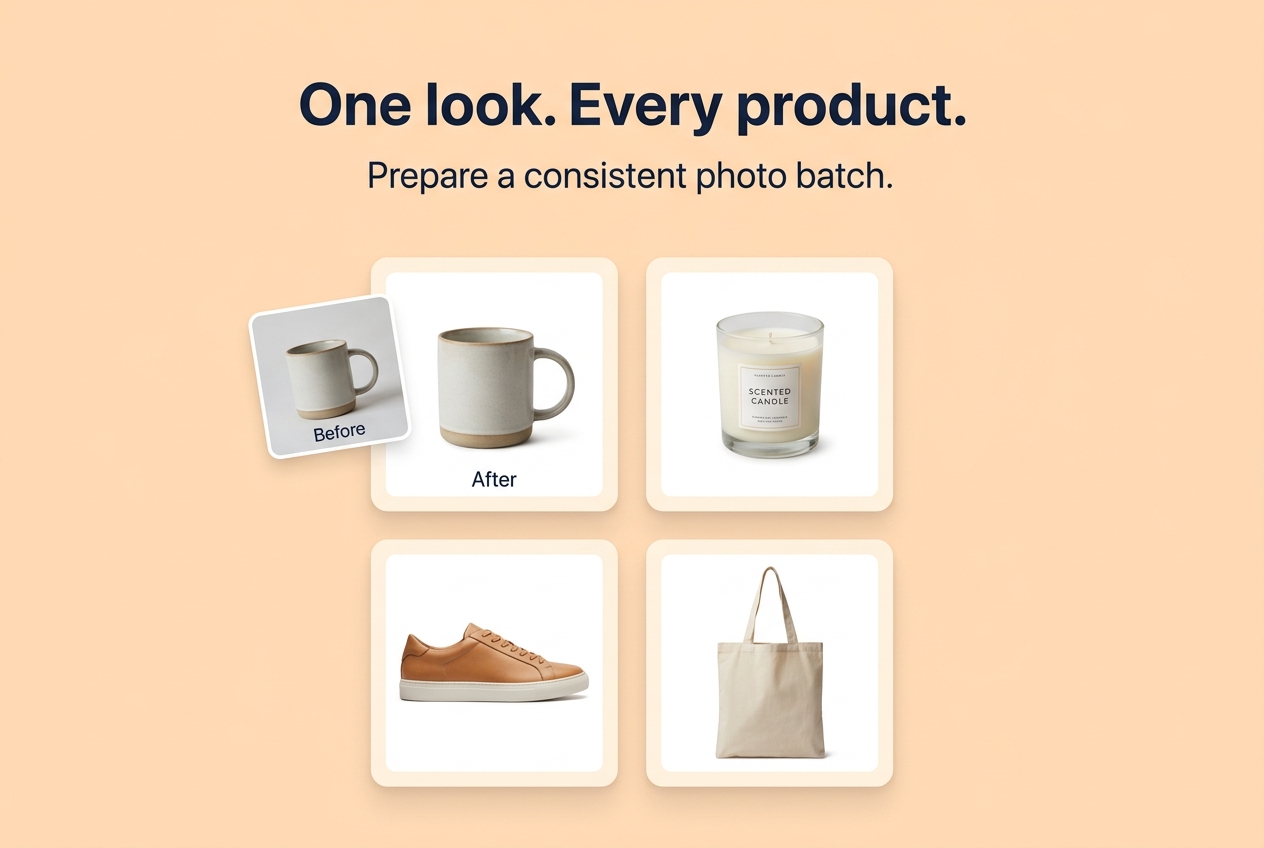
Padding vs Background Removal: Which is Better for Product Photos?
Direct Answer: White canvas padding is often superior to aggressive background removal for lifestyle and artisan products because it preserves authentic contact shadows, natural reflections, and avoids blurry or jagged edge cutouts caused by AI models. Background removal should be reserved for strict marketplace catalog specifications (such as Amazon main hero images) where a pure white #FFFFFF silhouette is mandatory.
The Pros and Cons Compared
| Approach | Best Used For | Key Advantages | Potential Drawbacks |
|---|---|---|---|
| Clean Canvas Padding | Handmade goods, ceramics, shoes, apparel, lifestyle items | Preserves natural shadows; 100% fast in-browser execution; authentic look | Requires clean original tabletop or studio lighting |
| Background Removal | Amazon main listing photo, catalog silhouetting | 100% pure white background; satisfies strict Amazon white rules | Can create jagged edges or cut off fine details (hair, strings, glass reflections) |
When to Use Seller Photo Kit
If your products were photographed on a clean desk, seamless paper roll, or neutral surface, you do not need expensive cutout software. Open our Seller Photo Kit to place each item inside a balanced square canvas with 40px of uniform padding, keeping the natural contact shadow completely intact.
Last updated: July 2026
This guide is reviewed by the BIC Editorial Team to keep the recommendations accurate, private, and practical for browser-based image workflows.
About the Author
Abhay Tabbay is a web developer and image optimization specialist focused on privacy-first browser tools that help people convert, resize, and optimize images without uploading files to the cloud.
Related Articles
Try the Tool
Need this workflow right now? Open our free in-browser image tools and process files locally.
Open Browser Image Converter Tools