
TikTok Photo Mode Dimensions and Slideshow Guide (9:16)
How to format high-resolution 1080x1920 pictures for TikTok photo mode and slideshows, keeping text and faces out of right-hand buttons and bottom caption zones.
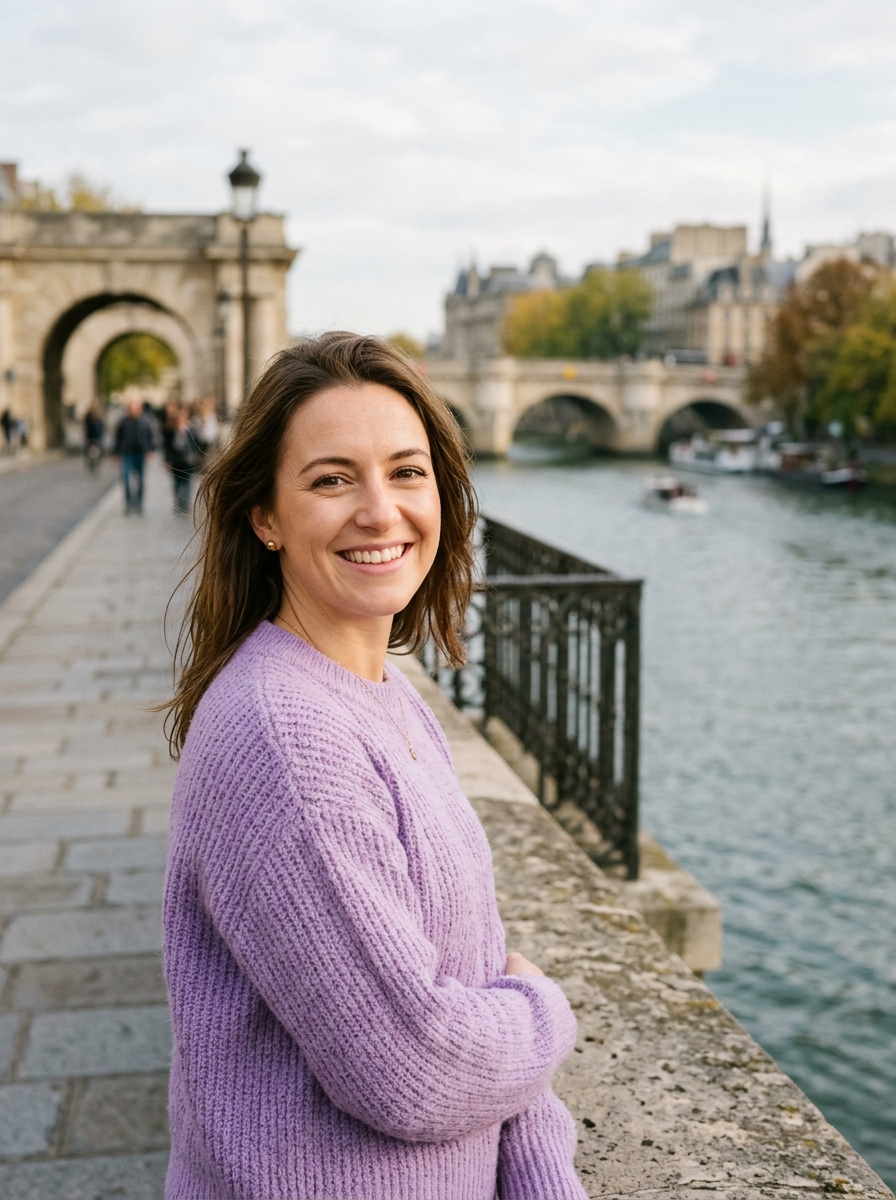
TikTok Photo Mode Dimensions and Slideshow Guide (9:16)
Direct Answer: TikTok Photo Mode uses full-screen vertical 1080 × 1920 pixels (9:16 aspect ratio). Because TikTok allows viewers to swipe through photos at their own pace with background music, photo carousels often generate more comments, shares, and saves than short videos.
TikTok UI Safe Areas: Where NOT to Place Content
Unlike regular images, TikTok's video player places several interactive controls right on top of your photo:
- Right Sidebar (120px wide): Profile follow icon, Like heart, Comment bubble, Bookmark favorite, and Share arrow.
- Bottom Zone (270px tall): Account handle, sound title, and expanded multi-line captions.
- Top Zone (150px tall): Search icon, LIVE button, and "Following / For You" tabs.
The TikTok Safe Zone: 1080 × 1500 px
Always frame your main subject and graphics inside the central vertical box.
Preparing Photos for TikTok Photo Mode
- Open Social & Profile Studio.
- Select your images.
- Choose the TikTok Photo Post (9:16) preset.
- If your photo is horizontal, choose Fit to add beautiful blurred side wings, or Fill with focal panning to highlight the best part of the shot.
- Download high-resolution JPGs and create your slideshow directly in TikTok.
About the Author
Abhay Tabbay is a web developer and image optimization specialist focused on privacy-first browser tools that help people convert, resize, and optimize images without uploading files to the cloud.
Related Articles
Try the Tool
Need this workflow right now? Open our free in-browser image tools and process files locally.
Open Browser Image Converter Tools